How to Make VR Apps Without Coding

How to Make VR Apps Without Coding

How to Make VR Apps Without Coding

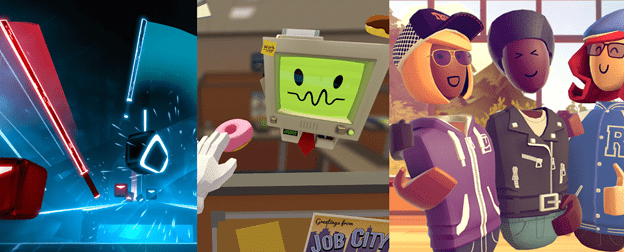
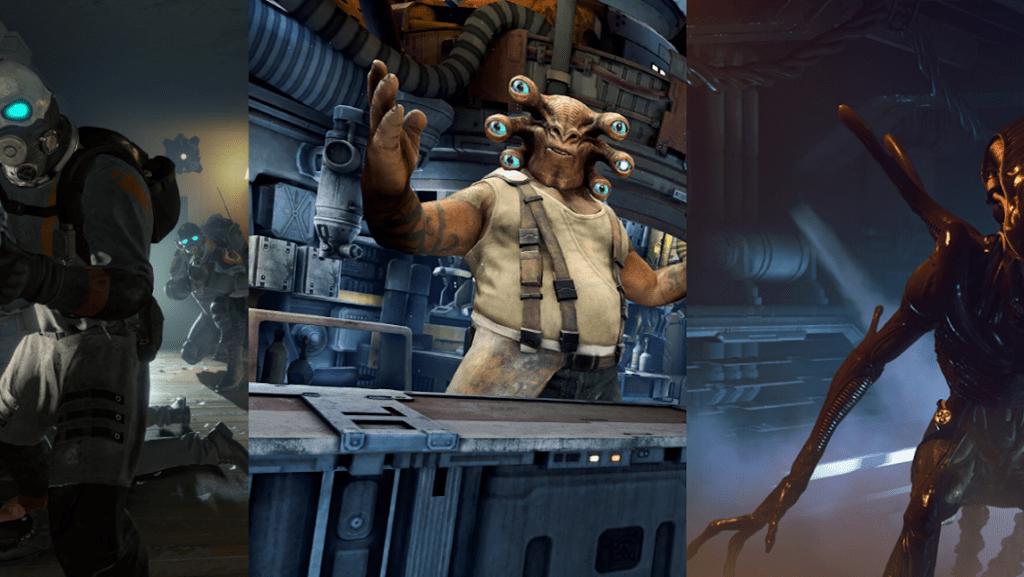
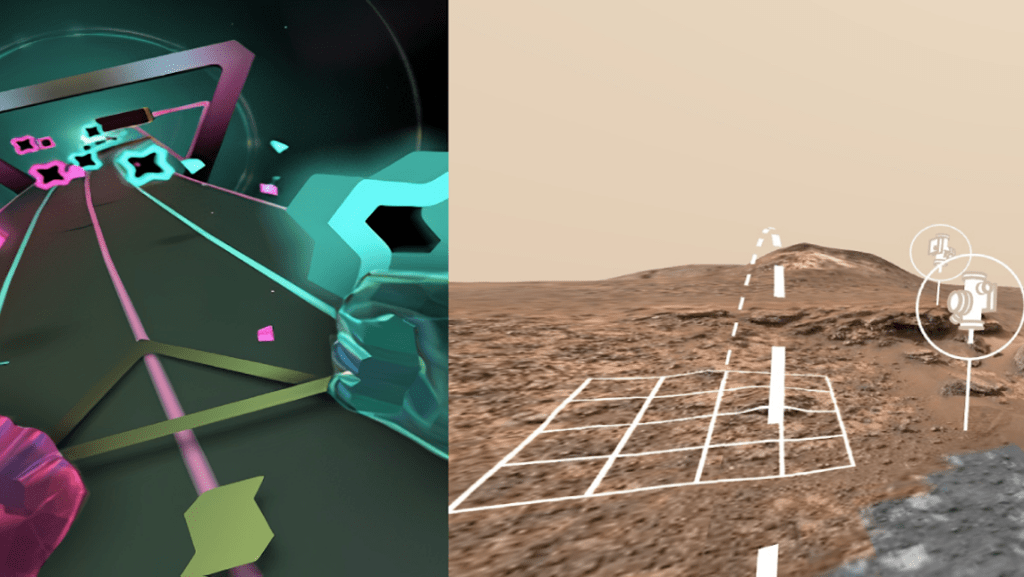
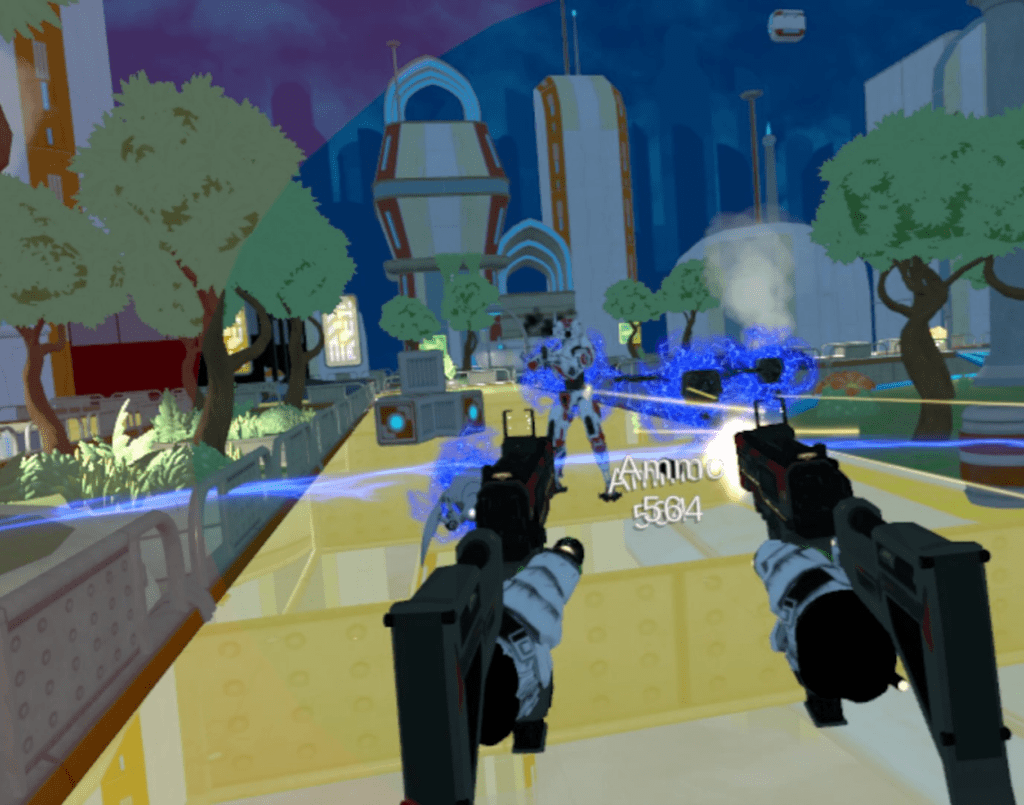
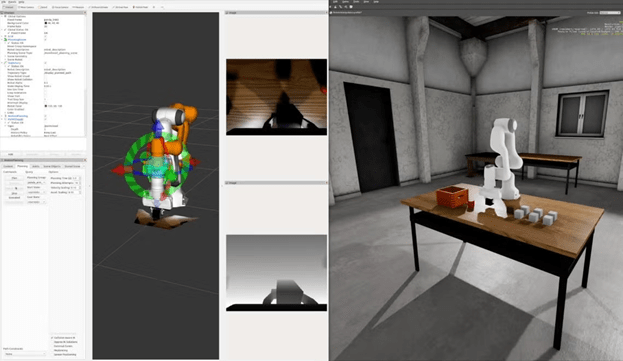
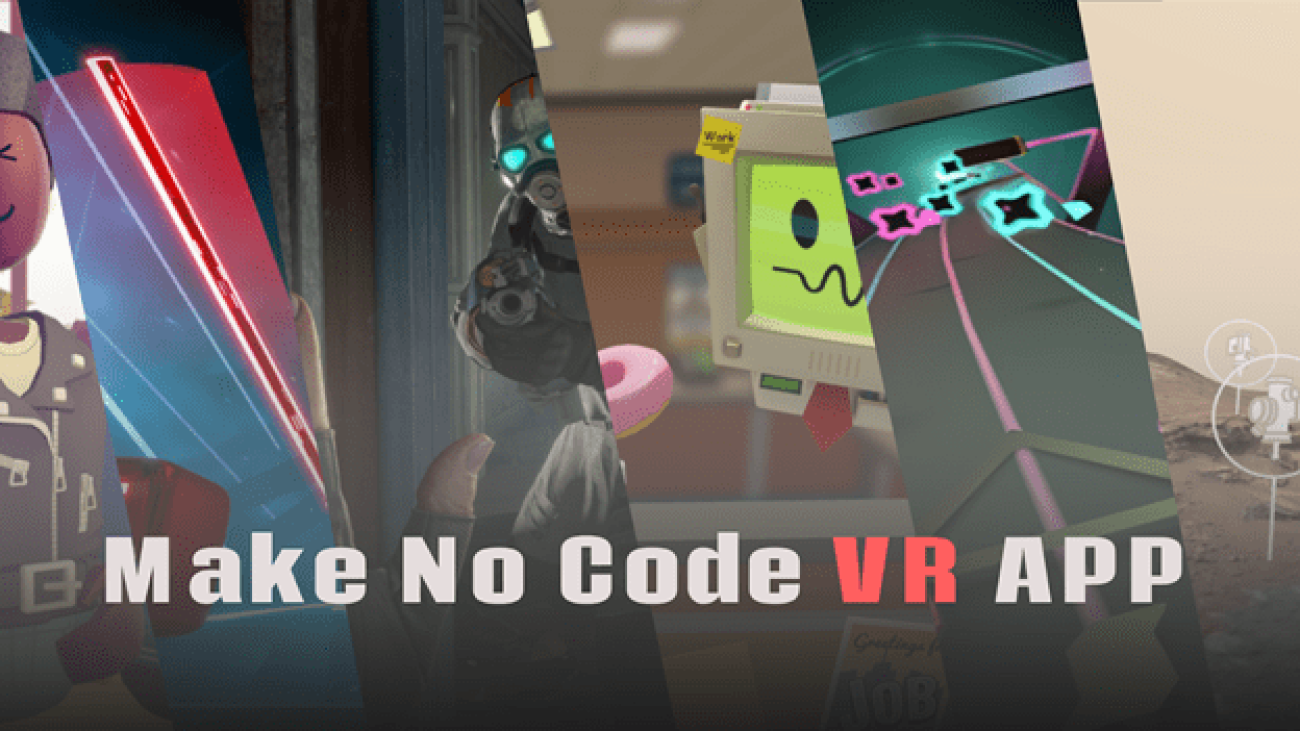
VR development in 2025 isn’t just for programmers. With modern engines offering visual scripting and no-code tools, you can build immersive worlds without writing a single line of code. Here are the best options, plus examples of what’s already been built with them:

1. Unity + Visual Scripting (Bolt)

2. Unreal Engin e 5 + Blueprints

3. Web-Based VR (A-Frame, Babylon.js)

4. Godot XR + Visual Scripting

5. Varwin (Enterprise No-Code VR)

6. Open 3D Engine (O3DE)

Choosing the Right No-Code VR Tool

Choosing the Right VR Game Engine

Your Goal
Best VR Game Engine
Solo dev building a Quest game
Unity or Godot XR
High-end visuals, PS VR2 or PCVR
Unreal Engine 5
Open-source, experimental project
Godot XR
Medical or MR-focused application
Evergine/Varwin
AAA studio with massive multiplayer
O3DE
Quick web-based VR demo
A-Frame/Babylon.js

Build for Immersion, Not Just Input

The right VR game engine is the one that gets out of your way and lets you create fully immersive, comfortable, and beautiful experiences. Whether you’re pushing the visual envelope with Unreal or building a thoughtful indie sim in Godot, the tools are better than ever—and more accessible. With visual scripting and no-code platforms, you can focus on design, storytelling, and immersion—the things that truly make VR magical.

As VR hardware improves, so will the engines that power its games. But as always, it’s not the engine that makes a great VR game—it’s what you do with it.
Fixing Unity Policy Violations on Google Play Console within 20 min

Fixing Unity Policy Violations on Google Play Console within 20 min

Fixing Unity Policy Violations on Google Play Console within 20 min

Introduction: Why Policy Compliance Matters

Publishing on Google Play is more than just uploading your mobile games or platform adventure game projects—it’s about ensuring long-term trust with players and staying compliant with Google’s strict policies. A flagged violation can instantly halt distribution, affect visibility in the best mobile games 2025 lists, and even block updates for your android games or switch games. Whether you’re building indie games, best free arcade games, or aiming to be featured among the best nintendo switch games, fixing violations quickly is essential. Developers who ignore these warnings risk losing their audience in a competitive video games market where free games, offline games for android, and best free games dominate searches.

Step 1: Identify and Update Unity

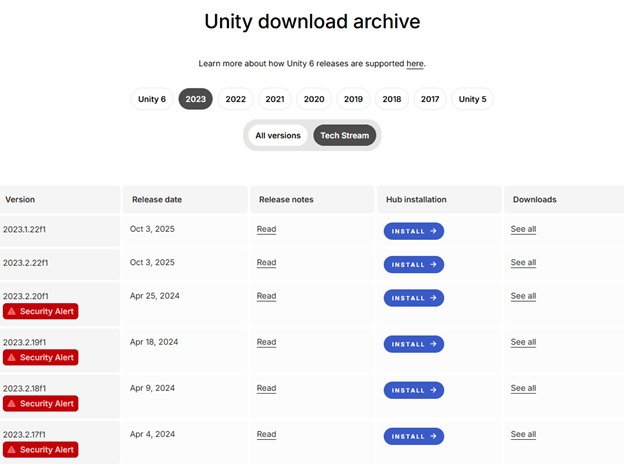
Check the Unity Download Archive for your installed version. If you’re on Unity 2019.1 or later, rebuild your project with the patched editor. For older builds (2017/2018), use the Unity Application Patcher to hotfix existing binaries. (Downloading updated unity version is the best way in my opinion, you can use patch but sometimes the problem persists.)

Step 2: Secure Your Project

Create a GitHub repository to back up your game before making changes. This ensures you can roll back if needed. This is especially important for best indie games or free games for pc, where updates and patches must be carefully managed.

Step 3: Rebuild and Validate

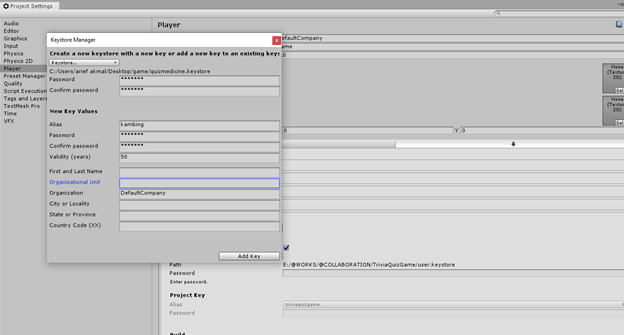
Open your project in the updated Unity version. Fix any errors, then sign the new build using your SSH key, studio credentials, and the original keystore. Import correct Player Build Settings and target the latest API level. This step ensures your best android games and mobile games remain secure and future-proof.

Step 4: Update Google Play Console

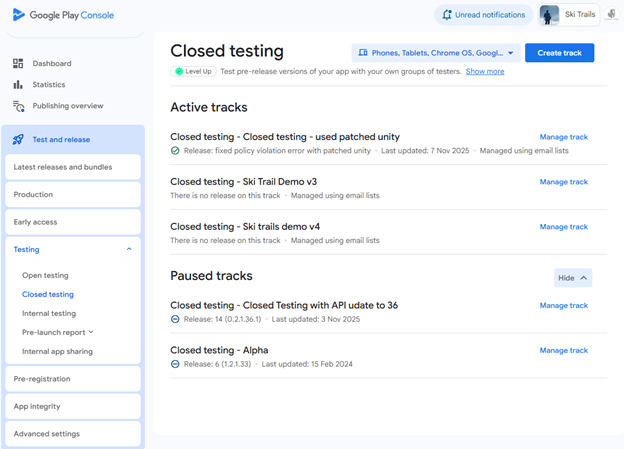
Replace all testing tracks first (open, closed, internal) with the new build. Pause any other builds already in rollout. You can also unpublish the app if you want, but the policy violation still needs to be fixed. If your app is already in production, then after closed testing, promote the build to full rollout. This will replace the current production with the new policy-fixed version.

Step 5: Final Review

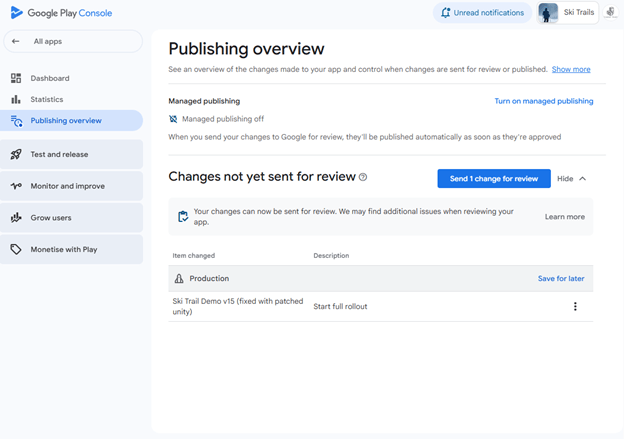
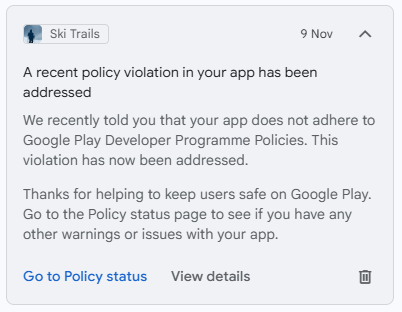
Go to Publishing Overview in the Play Console and confirm all changes. Once submitted, your violation should be resolved within days, and the notification should go away.

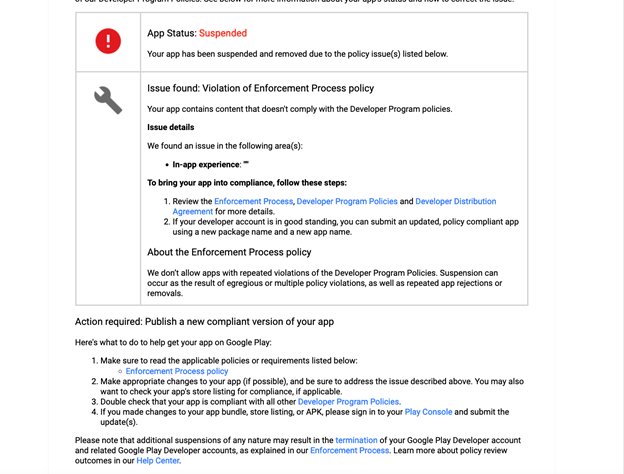
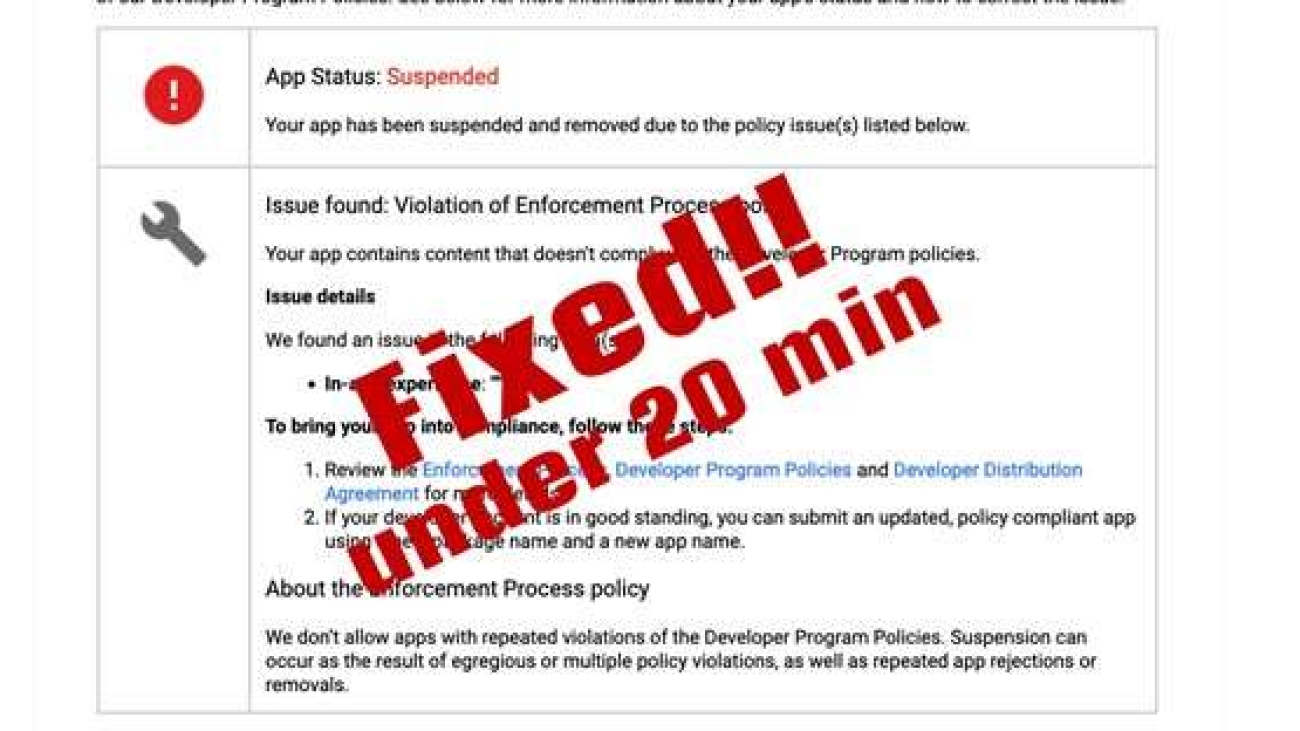
After a day or two you’ll get a notification like this

Notes

Conclusion

By following these steps, developers can remediate Unity vulnerabilities and restore compliance on Google Play in under 20 minutes. Whether you’re targeting best mobile games, offline games for android, or aiming to stand out among indie games, staying compliant ensures your project continues to thrive in the ever-growing video games industry.

How to Create a Profitable Roblox Game Idea in 2025

How to Create a Profitable Roblox Game Idea in 2025

How to Create a Profitable Roblox Game Idea in 2025

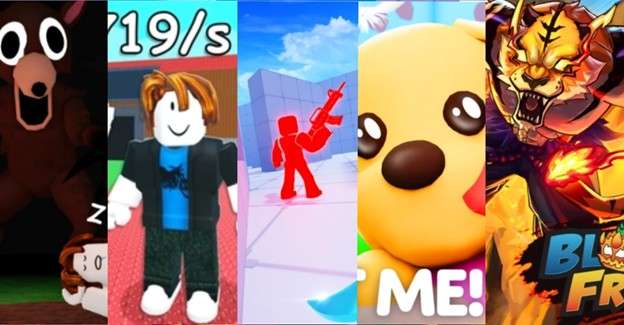
Roblox in 2025 has proven once again that creativity, community, and clever monetization drive success. Looking at the year’s viral hits, we can see clear patterns in what works — and how you can apply these lessons to your own projects, whether you’re inspired by platform adventure games, best free arcade games, or even trending mobile games and video games across platforms.

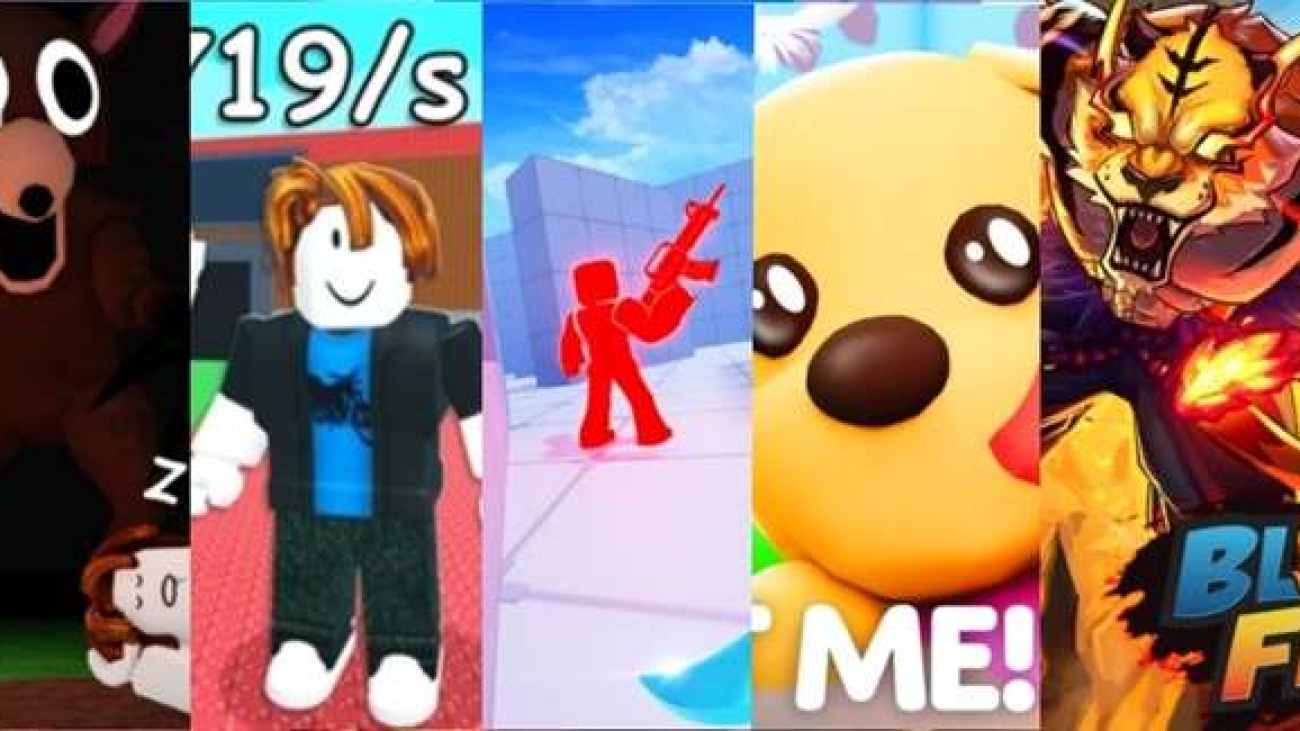
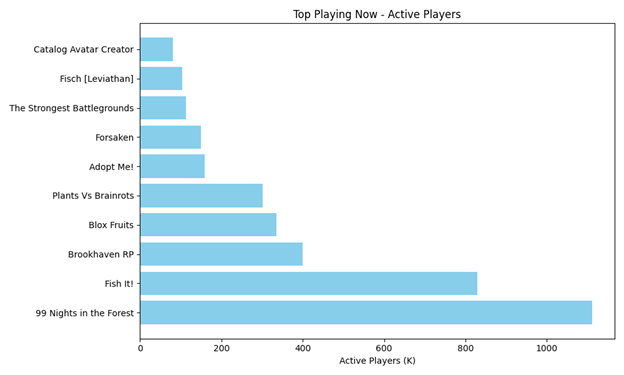
Snapshot of 2025’s Viral Roblox Games

Category
Game
Active Players
Favorites
Visits
Rating (%)
Survival
99 Nights in the Forest
1.1M
4.3M
16.4B+
90
Simulation/Tycoon
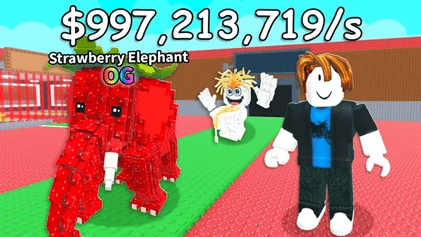
Steal a Brainrot
443K
21.7M
40.3B+
95–98
Shooter
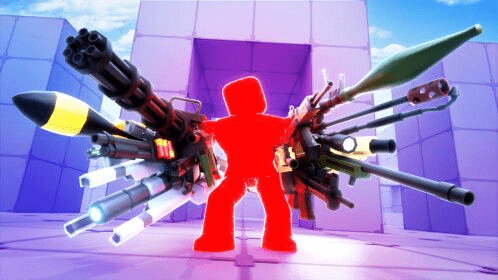
RIVALS
116K
41.7M
8.8B+
85
Roleplay
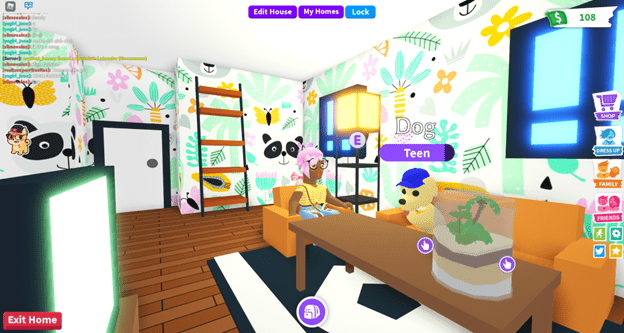
Adopt Me!
158K
27.9M
40.8B+
84
RPG
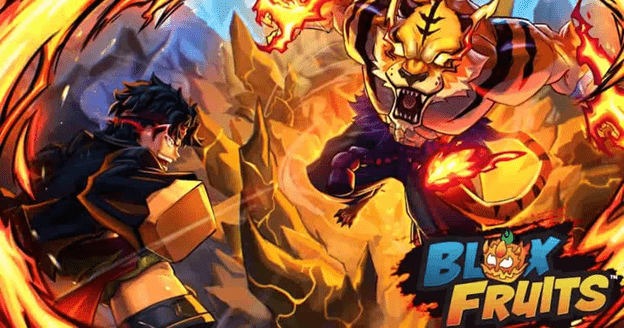
Blox Fruits
335K
17.2M
55.8B+
91

Key Insights

These insights matter not just for Roblox but also for best mobile games 2025, best Nintendo Switch games, and best indie games — genres that overlap heavily with what players enjoy in free games for PC, offline games for Android, and other free games ecosystems.

What Makes These Games Profitable?

Strong Core Loop

  • • 99 Nights in the Forest keeps players returning with daily quests and collectible badges.
  • • Steal a Brainrot uses rebirth mechanics and trolling gear to extend playtime — similar to mechanics seen in indie games and best free games outside Roblox.

Community-Driven Trends

  • •Meme-inspired titles like Brainrot capitalize on cultural humor.
  • •Roleplay games (Adopt Me!) thrive on social interaction and trading economies, echoing the appeal of switch games and android games that emphasize multiplayer fun.

Frequent Updates

Accessible Platforms

Safe Monetization

How to Design Your Own Profitable Roblox Game

Final Takeaway

The most profitable Roblox games in 2025 aren’t just fun — they’re sticky, social, and trend-aware. Whether you’re building a survival camp, a meme simulator, or a sprawling RPG, success comes from:

And if you’re thinking beyond Roblox, remember that the same principles apply to best mobile games 2025, best free games, switch games, and indie games. The overlap between video games, android games, and free games for PC shows that players everywhere crave progression, community, and creativity — whether online or in offline games for Android.

Bounce and spikes curse attack

Blog 3

Google has been investing in AI for many years and bringing its benefits to individuals, businesses and communities. Whether it’s publishing state-of-the-art research, building helpful products or developing tools and resources that enable others, we’re committed to making AI accessible to everyone.

fortnite-chapter-6

Blog 2

Google has been investing in AI for many years and bringing its benefits to individuals, businesses and communities. Whether it’s publishing state-of-the-art research, building helpful products or developing tools and resources that enable others, we’re committed to making AI accessible to everyone.

starfield

Blog 1

Google has been investing in AI for many years and bringing its benefits to individuals, businesses and communities. Whether it’s publishing state-of-the-art research, building helpful products or developing tools and resources that enable others, we’re committed to making AI accessible to everyone.